fig-gen
Sixty Gens in Two Hours
fig-gen is a small generative series I made in Figma with Automator, a plugin that builds designs from stacked actions. One-pixel frames, placed by the trig functions I last used on a graphing calculator in high school.
I spent an evening trying out Automator, a new Figma plugin from Jordan Singer. You build a design out of stacked actions (create a frame, repeat, set a variable) instead of drawing it. A minimal generative series, made from pixels and equations, seemed like a good way to find out what it could do.
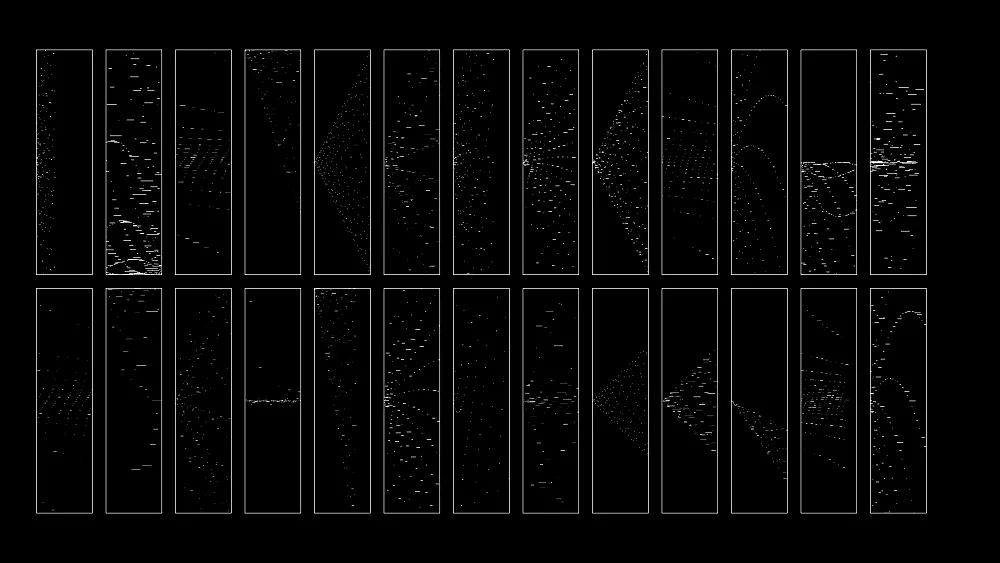
Nesting and rotating
I started by nesting shapes. What happens when you nest a shape and rotate it, over and over? Some of the results were good, but they all started to look alike, because rotation was doing nearly all the work.
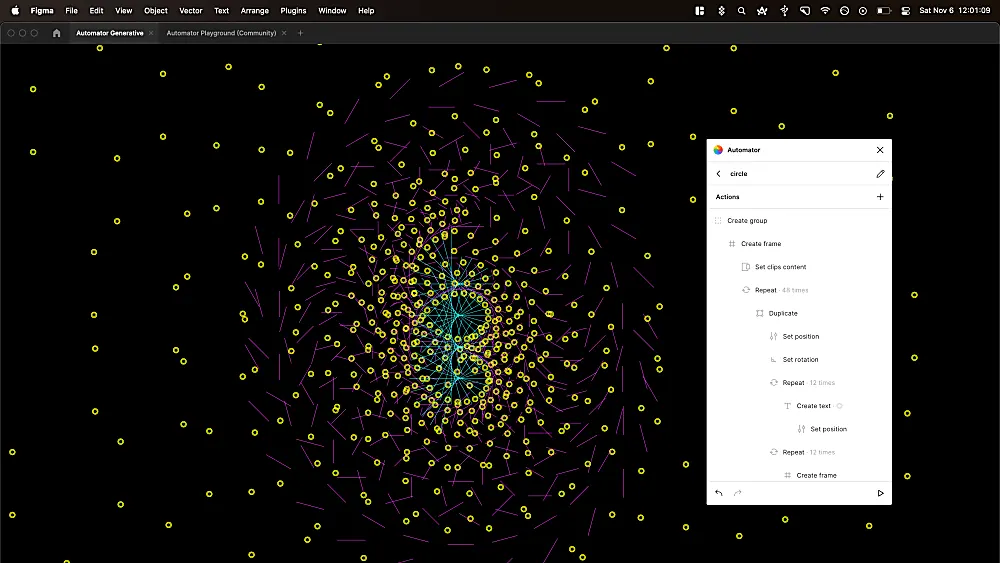
Back to the graphing calculator
Then I remembered playing with graphing calculators in high school. Sin, cos and tan gave me interesting results right away.
Once I had a few directions I liked, I wanted them to sit together in a series, so each one needed a frame. I used the simplest outline I could, to keep everything monochrome and on theme.
What one gen is
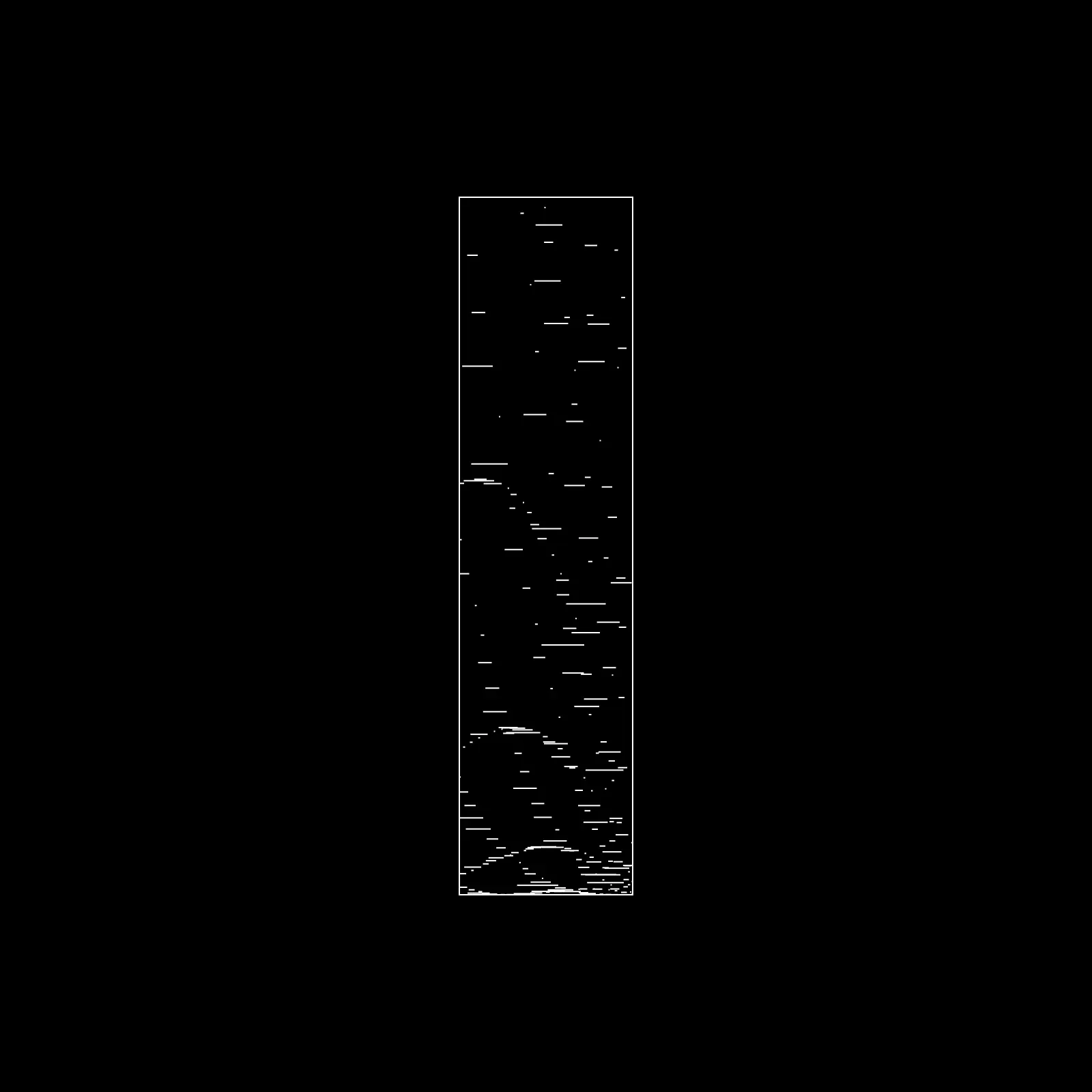
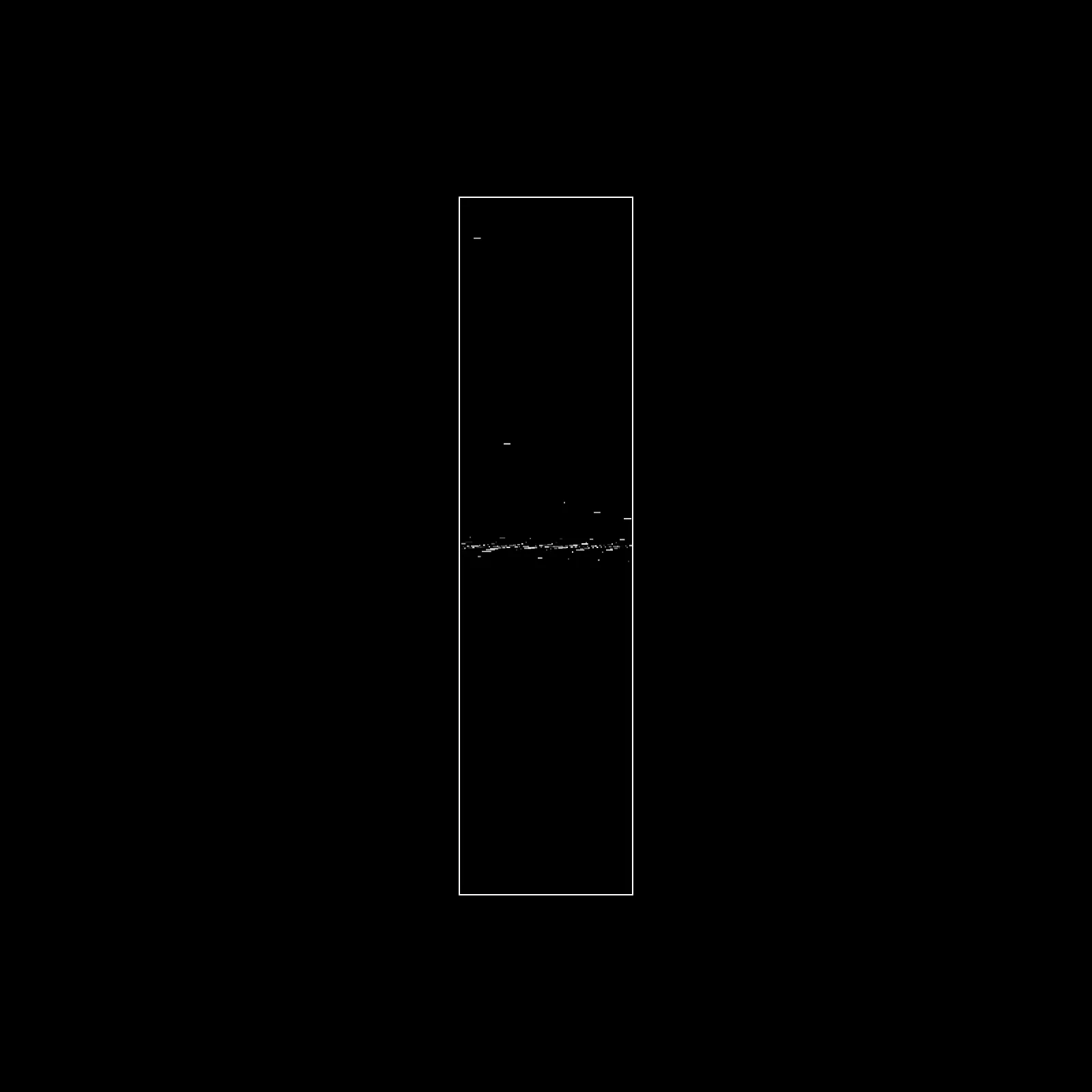
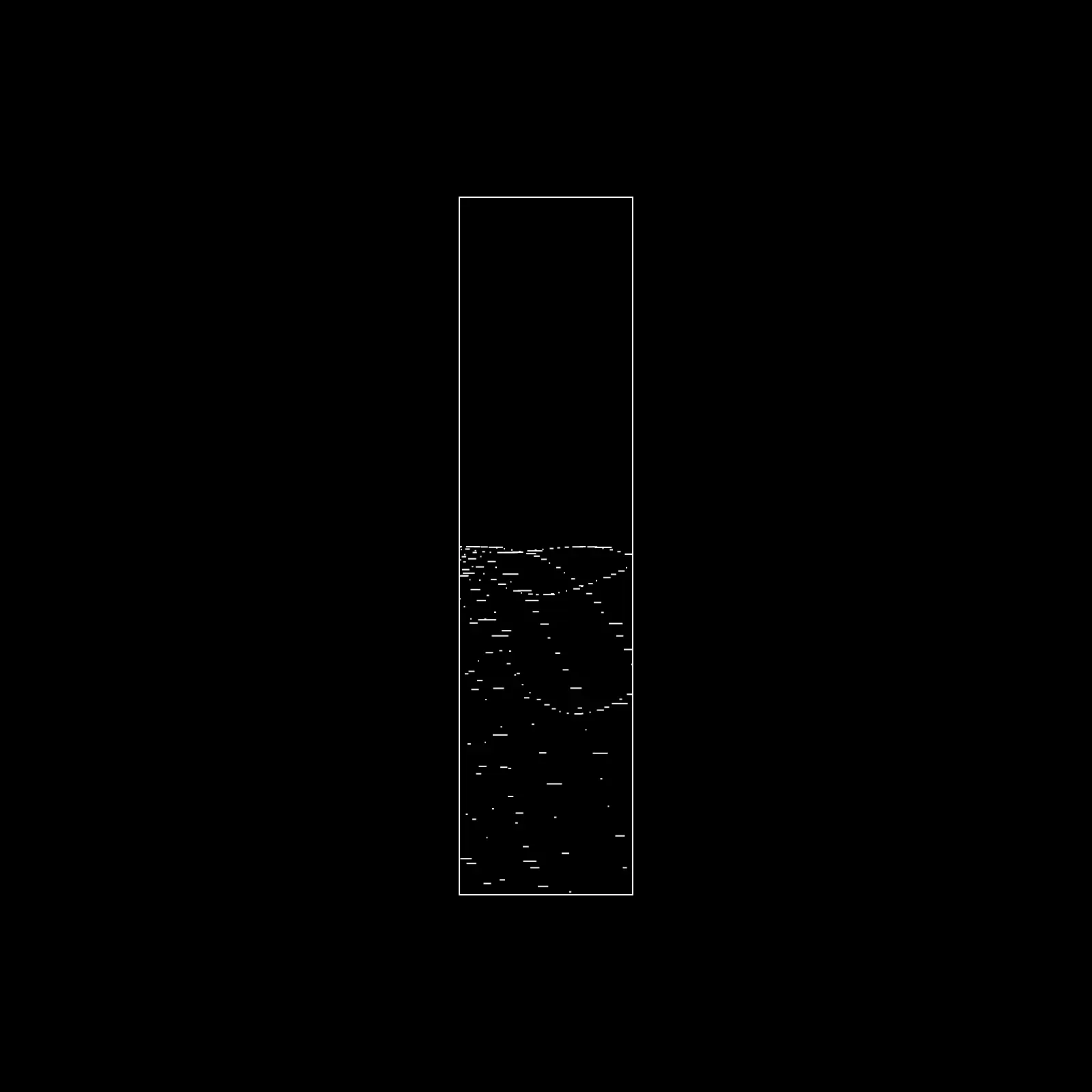
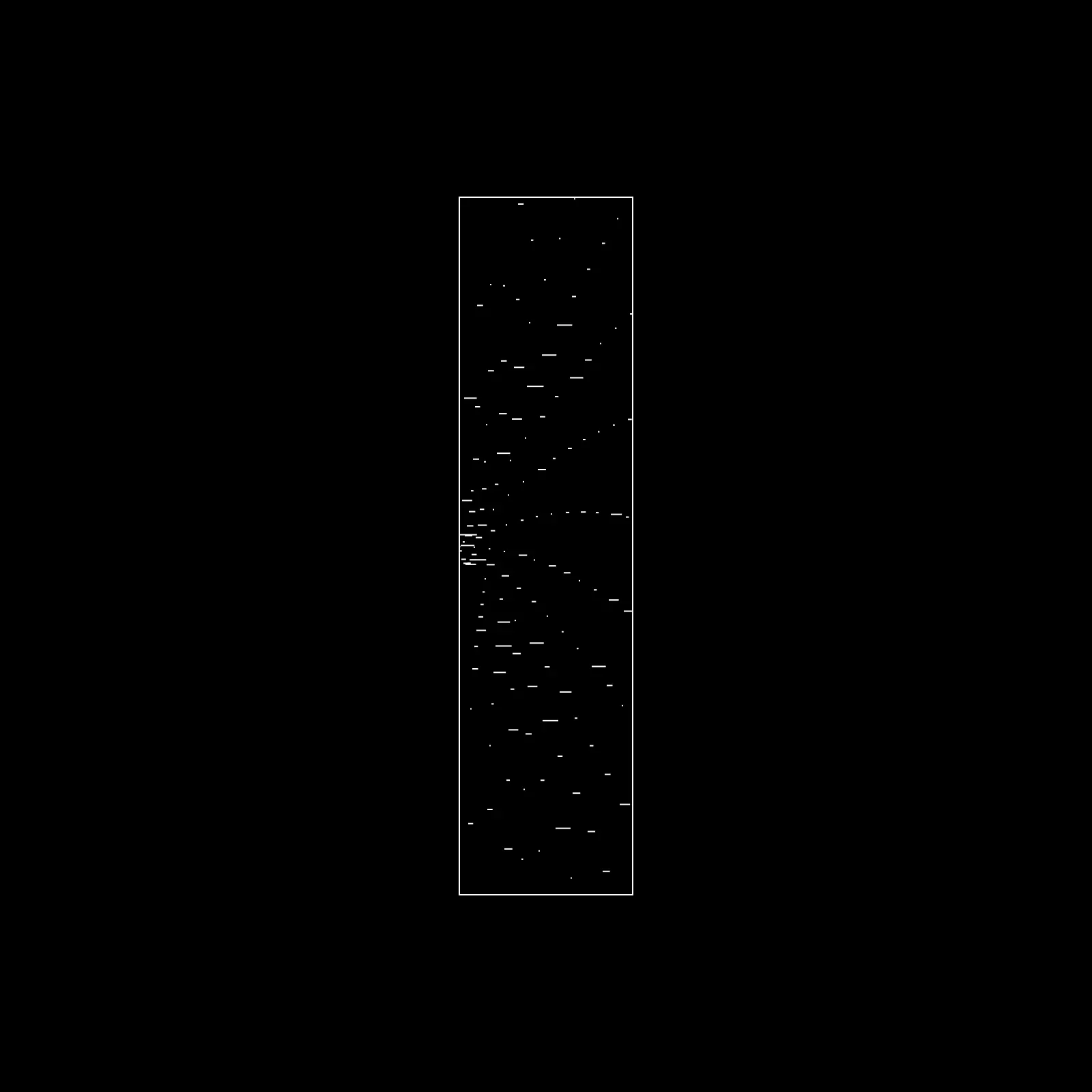
None of the final gens use nesting. Each one is a black frame, 128 by 512, with a one-pixel white border inside it. A Repeat action runs 256 or 512 times, and on each pass it places one white mark. A mark is a frame one pixel tall. Its x position comes from the repeat's {{index}}, so the marks march along the x-axis like a plotted graph. Its y position is a function of the index.
The functions are mostly sin, cos and tan, a random variable and {{index}}, combined in different ways. The simplest saved recipe, gen3, sets two variables and places a one-pixel dot:
sin = Math.sin(2 * index)
cos = Math.cos(index)
y   = cos * (index + sin) + 256
Multiplying by the index makes the swing grow as the index climbs, so the dots open out into a chevron. Later recipes give each mark a random width, from a fraction of a pixel up to 6, 8, 16 or 32 pixels, depending on the recipe. The width is the product of two random numbers, so most marks are short and a few run long. Some recipes give each mark a random opacity too.
Sixty in two hours
My favourite thing about Automator was how fast it let me explore. I made about sixty gens, with a lot of variety between them, in under two hours.
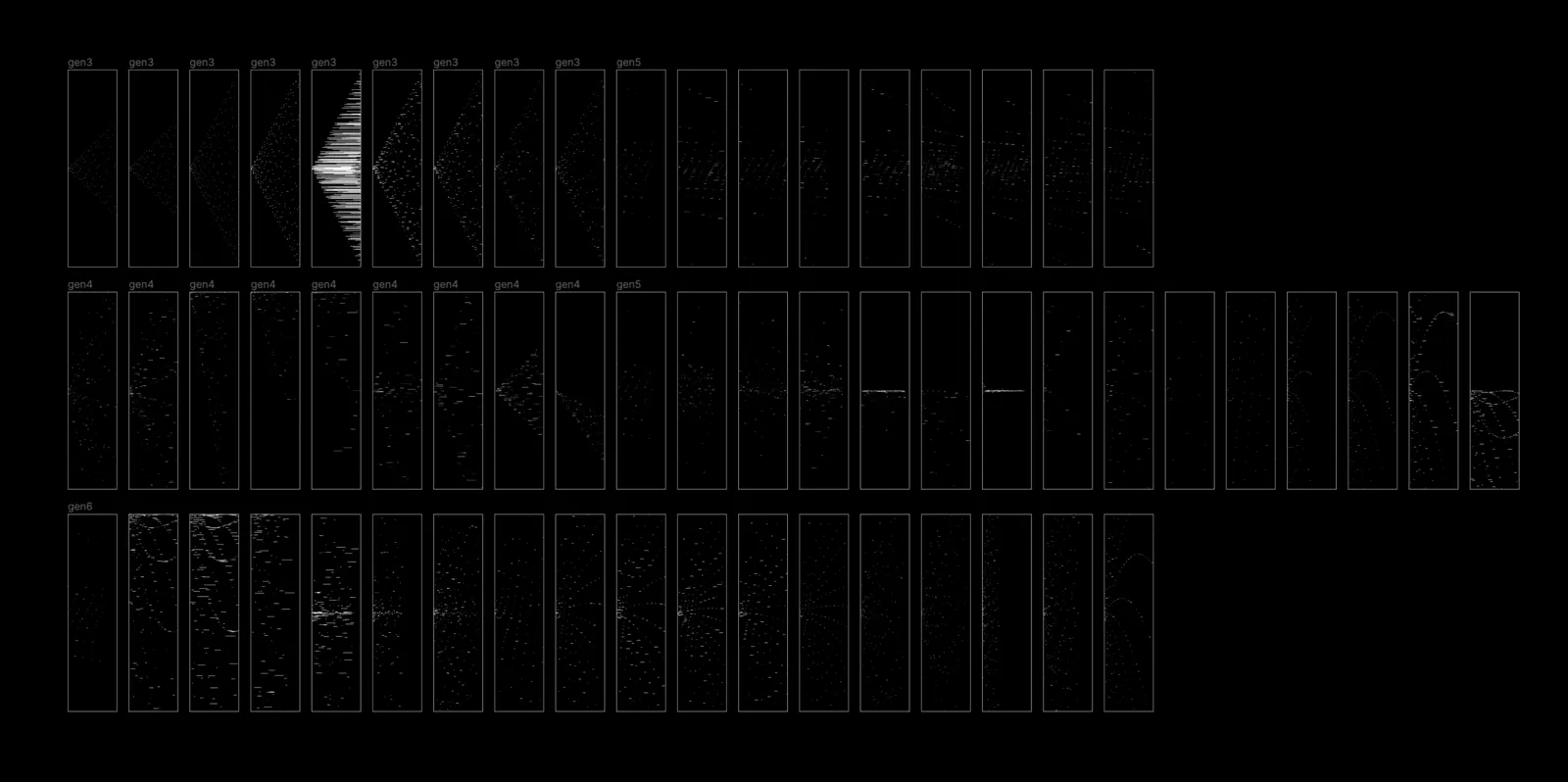
Favourites
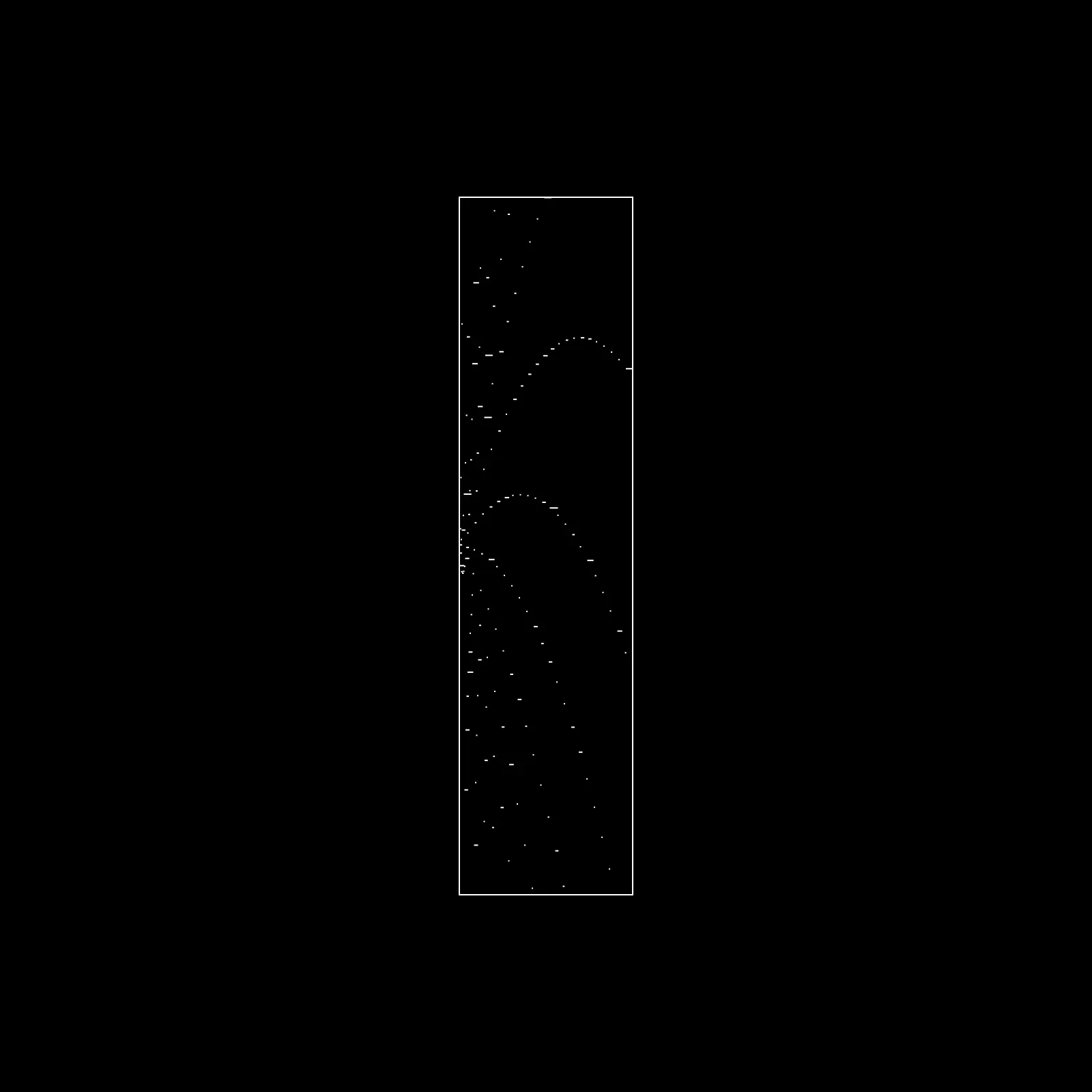
The files
I saved some of the recipes as I went. Six of them are in the fig-gen repo as Automator JSON, which you can load from Automator's settings with Import JSON. Do whatever you want with them.
Automator is gone now; its site survives in the Wayback Machine. The recipes in the repo are a record of how each gen was built rather than something you can still run, and the images below are what they made.